VR Safety & Comfort Check
Select the option that best describes your recent VR experience:
Recommended max continuous use: 20 Minutes
Look at something 20 feet away for 20 seconds.
You strap on a VR headset, and suddenly you’re standing on the edge of a skyscraper or fighting dragons in a medieval castle. It’s thrilling, immersive, and increasingly common. But that lingering question nags at you: is this actually hurting me? You’re not alone. With millions of people jumping into virtual worlds daily, understanding the real health implications is crucial before you spend hours dodging digital zombies.
| Concern | Risk Level | Primary Cause |
|---|---|---|
| Motion Sickness | High | Sensory conflict (eyes vs. inner ear) |
| Eye Strain | Moderate | Focal distance mismatch (vergence-accommodation conflict) |
| Physical Injury | Low-Moderate | Bumping into real-world objects |
| Vision Changes | Low | Lack of long-term data for adults; caution for children |
| Hygiene Issues | Moderate | Shared headsets spreading bacteria/viruses |
The Brain Trick: Why Motion Sickness Happens
Let’s tackle the big one first: nausea. If you’ve ever felt queasy after playing a fast-paced VR game, it’s not because the hardware is broken. It’s your brain getting confused. This phenomenon is known as cybersickness or simulation sickness. In the real world, when you move forward, your eyes see movement, and your inner ear (vestibular system) feels acceleration. They agree. In VR, your eyes tell your brain you’re sprinting through a forest, but your body is sitting still on a couch. Your inner ear says, "We aren't moving." This sensory mismatch triggers a primal response-your brain thinks you might be poisoned (a common evolutionary theory), so it tries to expel the toxin by making you nauseous.
Not everyone suffers equally. Some people are immune; others feel sick within minutes. Factors like frame rate, latency, and field of view play huge roles. Modern headsets like the Meta Quest 3 or Apple Vision Pro have reduced this significantly with higher refresh rates (90Hz to 120Hz) and better tracking. But if you’re new to VR, start slow. Short sessions help your brain adapt-a process called "VR legs" development.
Your Eyes Aren’t Just Screens: The Focal Distance Issue
Another major concern is eye strain. When you look at a phone or monitor, your eyes focus on an object roughly 16-24 inches away. Most modern VR headsets, however, display images that appear to be far away (optical infinity), yet your eyes must converge (cross slightly) to fuse the two separate images from each lens. This disconnect between where your eyes focus (accommodation) and where they point (vergence) is called the vergence-accommodation conflict.
Does this cause permanent damage? Probably not for adults. There’s no strong evidence that VR causes myopia progression in grown-ups who already have stable vision. However, it definitely causes temporary fatigue. You might experience headaches, dry eyes, or blurred vision after long sessions. This isn’t unique to VR-it happens with any close-up screen use-but the intensity can be higher because you can’t easily blink or look away without breaking immersion. Taking breaks every 20-30 minutes helps reset your eye muscles. If you wear glasses, ensure your headset has proper interpupillary distance (IPD) adjustment. A misaligned IPD forces your eyes to work harder, leading to quicker strain.
Is VR Bad for Kids’ Developing Eyes?
This is where things get tricky. Manufacturers usually recommend VR for users aged 12 or 13 and up. Why? Because children’s visual systems are still developing. Their eyes are more flexible, and their brains are highly plastic. While we don’t have decades of longitudinal studies on child VR use, experts worry about potential impacts on depth perception and eye coordination during critical growth phases.
The American Academy of Ophthalmology suggests limiting exposure for younger children. If you let a 7-year-old play Minecraft in VR, keep sessions under 15 minutes. Watch for signs of discomfort: rubbing eyes, complaining of headaches, or losing interest quickly. For now, treat VR for kids as a occasional treat, not a daily habit. Adult eyes are generally resilient enough to handle moderate use, but growing eyes need more caution.
Physical Safety: Don’t Break Your TV (or Nose)
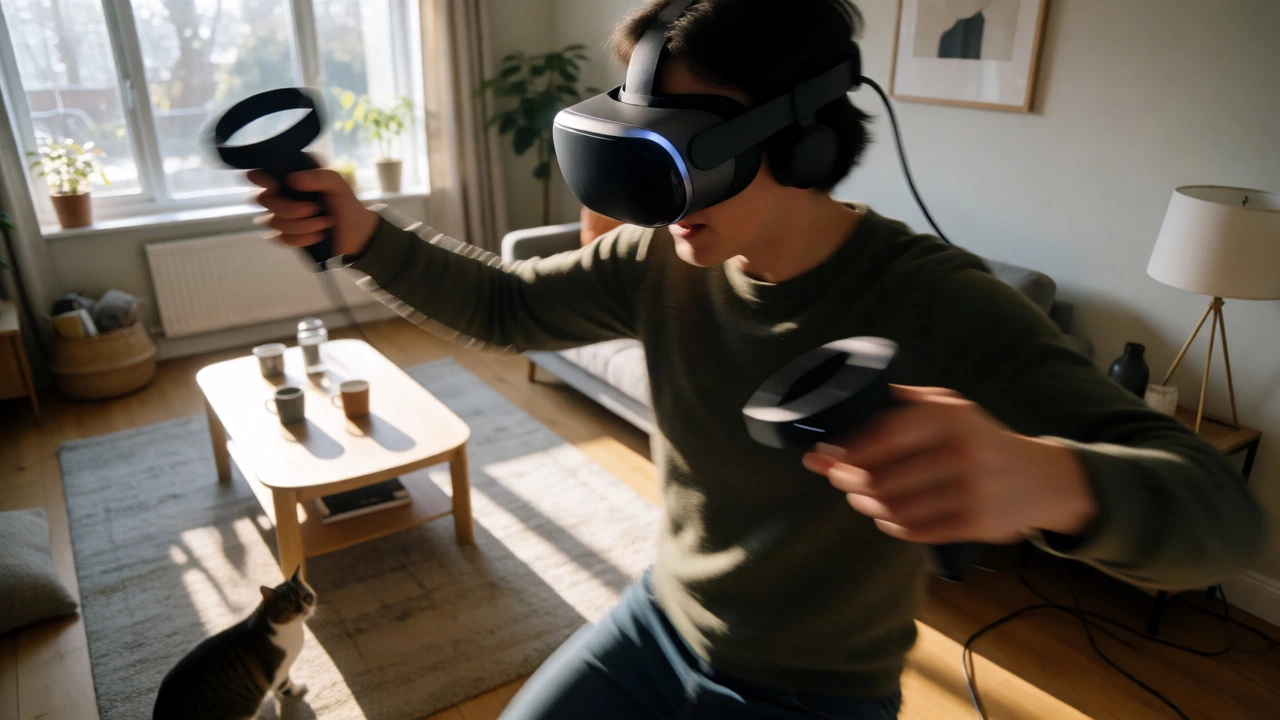
Forget biology for a second-let’s talk physics. VR blocks out the real world. That’s great for immersion, terrible for spatial awareness. The most common injuries aren’t internal; they’re blunt force trauma. Users punch walls, kick coffee tables, or trip over pets. A study published in JAMA Ophthalmology analyzed emergency room visits related to VR and found that falls and collisions were the top reasons for injury.
- Clear Your Space: Use the guardian/boundary feature built into headsets like SteamVR or Meta Quest. Set it conservatively.
- Remove Hazards: Move low tables, chairs, and cables out of your play area.
- Use a Spotter: If you’re doing intense physical games (like Beat Saber or Supernatural), have someone nearby to guide you if you drift too far.
- Wear Comfortably: Ensure the headset is balanced. Poor fit leads to neck strain, which can mimic tension headaches.
Hygiene: The Invisible Risk
If you share a headset with family or friends, hygiene becomes a real issue. Foam face pads absorb sweat, skin oils, and dead skin cells. Without regular cleaning, these pads become breeding grounds for bacteria and fungi. There have been reported cases of styes and skin infections linked to shared VR gear.
How do you fix this? Replace foam pads regularly or switch to silicone covers, which are easier to wipe down. Clean the lenses gently with a microfiber cloth-never use alcohol-based wipes on plastic lenses unless specified by the manufacturer, as some coatings can degrade. If you’re using a public VR arcade, bring your own disposable cover or ask for sanitized equipment. It’s a small step that prevents unpleasant surprises.
Psychological Impact: Reality Blurring
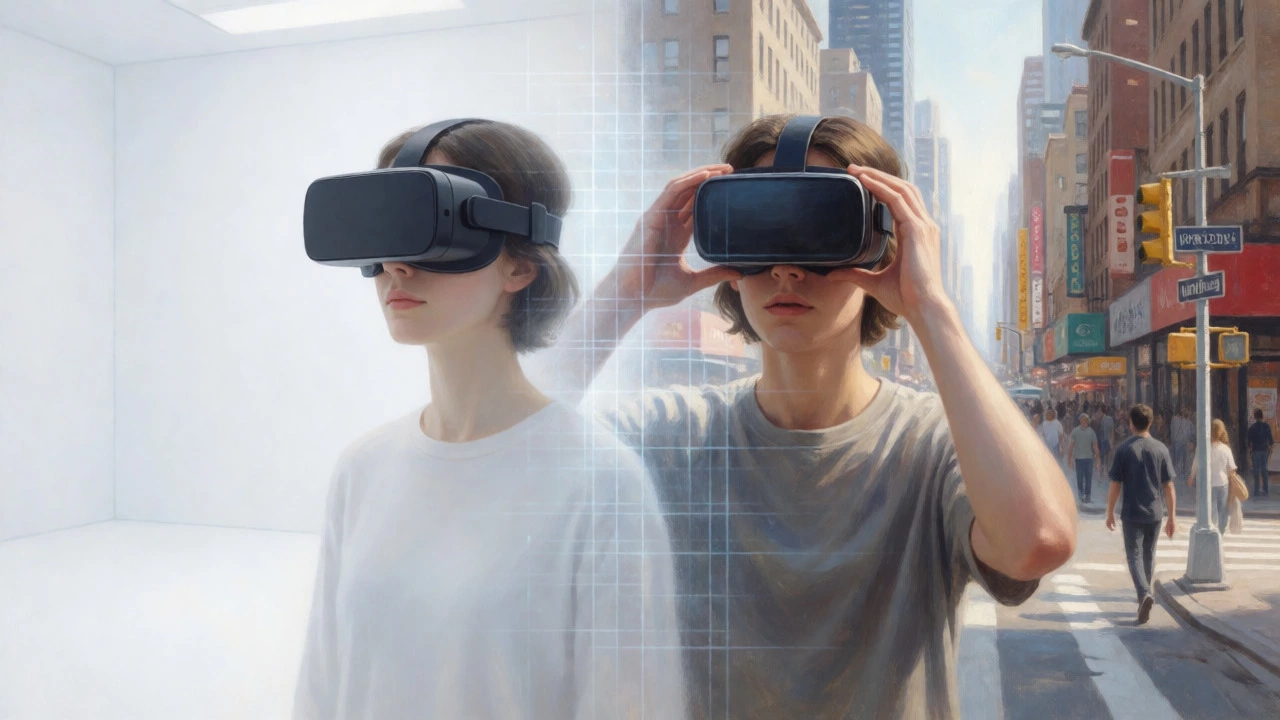
Can VR mess with your mind? Generally, no. But there are niche effects worth noting. Some users report a phenomenon called "derealization," where the real world feels fake or distant after prolonged heavy use. This is usually temporary and fades within minutes of removing the headset. It’s similar to the feeling after leaving a dark movie theater into bright sunlight.
Conversely, VR is being used therapeutically to treat PTSD, phobias, and anxiety. Exposure therapy in VR allows patients to confront fears in controlled environments. So, while excessive escapism is possible, VR itself isn’t inherently addictive or psychologically damaging for most healthy adults. Moderation remains key. If you find yourself avoiding real-world social interactions in favor of virtual ones, it might be time to reassess your habits.
Best Practices for Safe VR Usage
You don’t need to fear VR. You just need to respect its limits. Here’s a simple checklist to keep you safe and comfortable:
- Start Small: Begin with 15-minute sessions. Gradually increase duration as your tolerance builds.
- Adjust Settings: Set IPD correctly. Enable comfort modes (vignetting) in games to reduce motion sickness.
- Take Breaks: Follow the 20-20-20 rule loosely-every 20 minutes, look at something 20 feet away for 20 seconds.
- Stay Hydrated: Physical VR games make you sweat. Drink water before and after.
- Clean Regularly: Wipe down the interface after each use, especially if shared.
Technology evolves fast. Future headsets may eliminate the vergence-accommodation conflict with varifocal displays, reducing eye strain further. For now, staying informed and mindful is your best defense against side effects.
Can VR damage your eyes permanently?
For most adults, no. Current research indicates VR does not cause permanent structural damage to adult eyes. It may cause temporary eye strain or fatigue, similar to computer use, but this resolves with rest. Children require more caution due to developing visual systems.
Why do I get dizzy in VR?
Dizziness is caused by cybersickness, resulting from a mismatch between visual input (seeing movement) and vestibular input (feeling stationary). Lower frame rates, high latency, and unnatural movement controls exacerbate this. Adjusting comfort settings and building tolerance helps.
Is it safe to use VR while wearing glasses?
Yes, most modern headsets accommodate glasses. Ensure there is enough space to avoid scratching lenses. Consider using prescription inserts for better clarity and comfort if you wear thick frames. Always clean both glasses and headset lenses regularly.
How often should I take breaks from VR?
Every 20 to 30 minutes is recommended for beginners. Experienced users might extend this, but listening to your body is crucial. If you feel eye strain, headache, or nausea, stop immediately and rest.
Can VR cause seizures?
Rarely, photosensitive epilepsy can be triggered by flashing lights or rapid patterns in VR. Most manufacturers include warnings. If you have a history of seizures, consult a doctor before using VR. Avoid games with intense strobe effects.