VR Experience Quality Checker
Select the features present in your current VR setup or experience to calculate an immersion score.
Low Latency (<20ms)
Head movement matches visuals instantlyHigh Frame Rate (72+ FPS)
Smooth motion without stutteringWide Field of View (>90°)
Peripheral vision is engagedHigh Pixel Density
No visible "screen door" effectComfort Options
Teleportation, Vignetting, Snap TurnSpatial Audio
Directional sound with headphonesNatural Interaction
Hand tracking or intuitive controllersRealistic Physics
Objects have weight and collisionImmersion Score
Not Evaluated
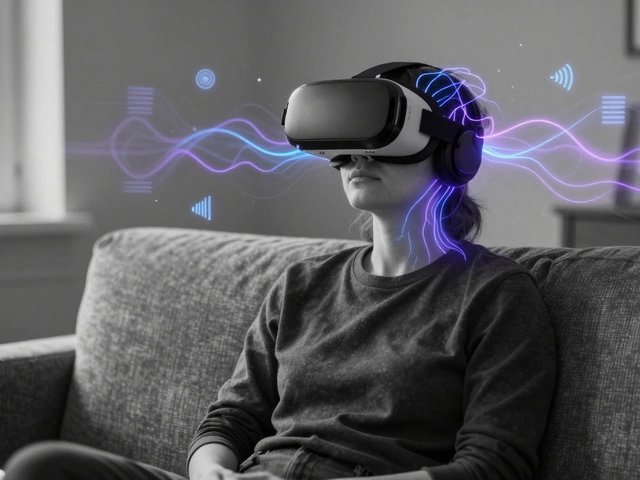
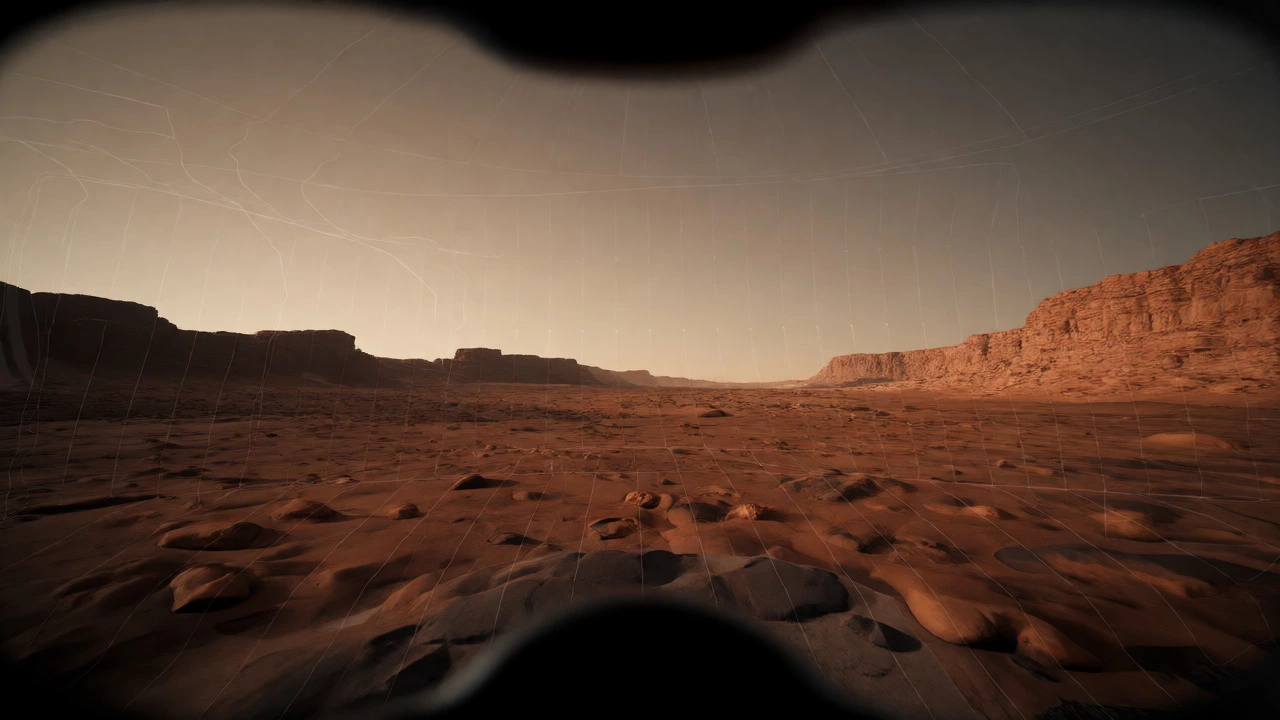
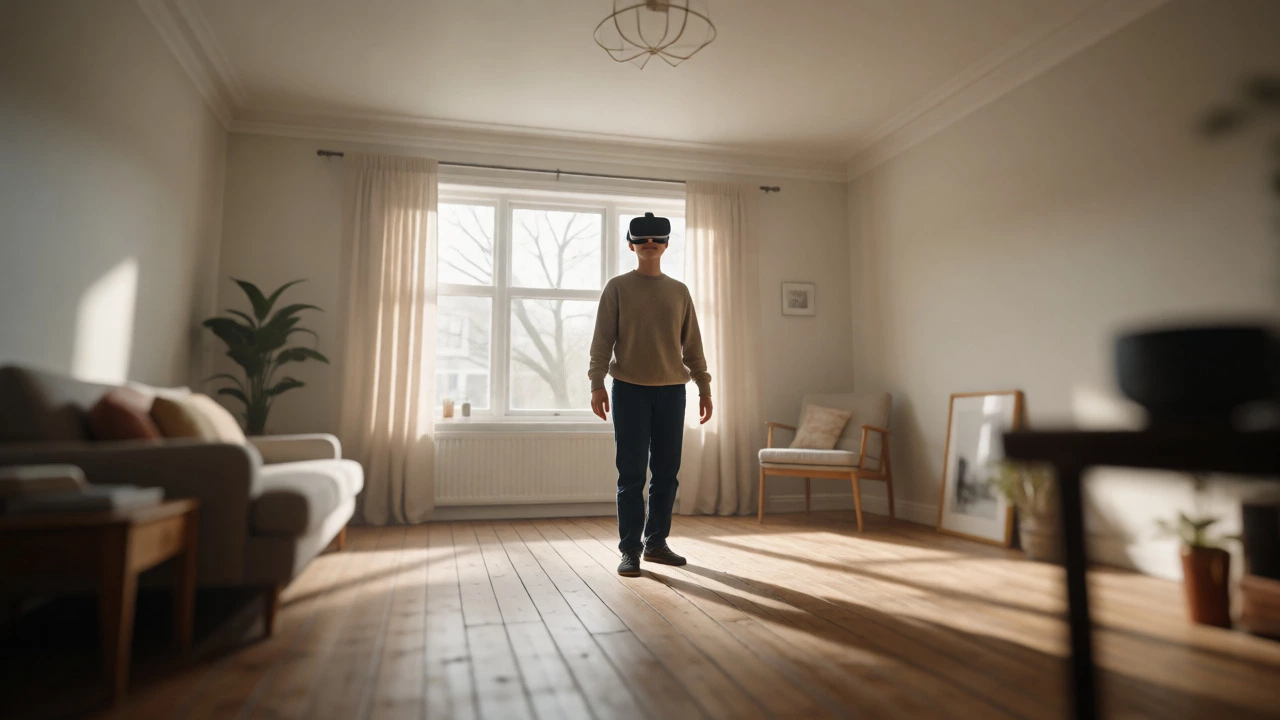
You put on the headset. The world disappears. For ten minutes, you aren't sitting in your living room; you're standing on a Martian cliff edge or fighting off zombies in a dark alley. But then it happens: a slight lag when you turn your head, a blurry patch in your peripheral vision, or that creeping feeling of nausea starting to build behind your eyes. Suddenly, the magic breaks.
Why do some Virtual Reality experiences feel like real life, while others feel like a glitchy video game? It’s not just about expensive gear. A great VR experience is a delicate balance of technology, design psychology, and physical comfort. If you’re wondering why some apps leave you dazzled and others leave you reaching for a paper bag, you need to understand the mechanics of immersion.
The Illusion of Presence
At the heart of every successful VR session is one concept: presence. This isn’t just "being there" in a metaphorical sense. It’s a neurological trick where your brain accepts the virtual environment as your actual location. When presence works, you flinch when a ball comes at your face. You instinctively look down when you stand on a high ledge. Your body reacts before your conscious mind can say, "It's just pixels."
Presence relies on sensory congruence. Your eyes see movement, your inner ear feels balance, and your hands touch things. If these signals disagree, your brain rejects the illusion. That’s why low-quality VR feels fake. High-end systems achieve this by minimizing the delay between your action and the visual response. This is called latency. If latency exceeds 20 milliseconds, most people start to notice a disconnect. Below that threshold, the brain gets fooled into thinking the virtual world responds instantly to its commands.
Comfort Is Non-Negotiable
You can have the most beautiful graphics in the world, but if they make you sick, no one will use them again. Motion sickness in VR, often called "simulator sickness," happens when your eyes tell your brain you’re moving, but your body stays still. This mismatch triggers the same evolutionary defense mechanism that causes seasickness: your brain thinks you’ve been poisoned, so it prepares to vomit.
To combat this, developers use specific techniques. One common method is teleportation. Instead of walking smoothly through the world (which moves the camera independently of your body), you point and snap to a new location. This keeps your inner ear happy because there’s no continuous acceleration. Another technique is vignetting, which slightly darkens the edges of your vision during movement. It reduces the amount of visual data conflicting with your balance system. If an app doesn’t offer these options, it’s likely designed for stationary players only.
| Feature | Function | Impact on Comfort |
|---|---|---|
| Teleportation Movement | Instantly moves user to clicked location | High (eliminates motion conflict) |
| Vignetting | Narrows field of view during motion | Medium-High (reduces visual-vestibular mismatch) |
| Snap Turning | Rotates view in fixed increments (e.g., 30°) | Medium (avoids smooth rotation nausea) |
| Room-Scale Walking | Maps physical steps to virtual movement | Low (best for users with strong vestibular tolerance) |
Visual Fidelity and Field of View
Your eyes are demanding customers. They need sharp images and a wide window into the virtual world. Resolution matters, but pixel density per degree is what actually determines clarity. A 4K screen sounds impressive, but if it’s stretched over a small lens, you’ll still see the "screen door effect"-visible grid lines between pixels. Modern headsets like the Meta Quest 3 or Apple Vision Pro focus on higher PPD (pixels per degree) to eliminate this artifact.
Then there’s the Field of View (FOV). Human eyes have a horizontal FOV of about 210 degrees. Most current consumer VR headsets sit between 90 and 110 degrees. Anything less than 90 degrees feels like looking through binoculars. It restricts your awareness of the surroundings, breaking immersion. While we aren’t quite at human-eye levels yet, wider FOVs significantly enhance the feeling of being inside the world rather than watching it.

Interaction Design: Touching the Virtual World
Seeing is passive. Doing is active. A good VR experience lets you interact with objects naturally. Early VR relied on laser pointers from controllers, which felt disconnected. Today, hand tracking allows you to pinch, grab, and throw objects using your bare hands. This creates a stronger sense of agency.
Physics simulation plays a huge role here. If you pick up a virtual cup, it should have weight. If you drop it, it should shatter realistically. Bad physics break presence faster than bad graphics. Imagine throwing a ball in VR and having it float slowly like it’s underwater, or passing straight through a wall. These inconsistencies remind your brain that the rules aren’t real. Developers use haptic feedback in controllers to simulate texture and impact, bridging the gap between sight and touch.
Audio: The Forgotten Sense
People underestimate sound. In VR, audio isn’t just background noise; it’s spatial information. Spatial Audio places sounds in three-dimensional space. If a bird chirps behind your left shoulder, you hear it exactly there. If someone whispers in your right ear, it feels intimate and close.
This directional accuracy helps you navigate without looking around constantly. It also enhances emotional engagement. Horror games rely heavily on 3D audio to create tension. The creak of a floorboard above you triggers a primal fear response that flat stereo sound simply cannot replicate. Always wear headphones when using VR. Built-in speakers leak sound and lack the precision needed for true spatial immersion.
Content Pacing and Duration
Not all VR content is created equal. Short bursts of intense activity work better than long, slow narratives for many users. Because VR requires physical engagement and mental focus, fatigue sets in faster than with traditional gaming. A 15-minute rhythm game like Beat Saber leaves you energized. A 60-minute narrative adventure might leave you exhausted and disoriented.
Good VR designers respect this limit. They structure experiences in manageable chunks. Checkpoints are frequent. Tutorials are integrated seamlessly into gameplay rather than dumped upfront. If you find yourself fumbling with menus or waiting for loading screens, the flow is broken. Seamless transitions keep you immersed. Clunky interfaces pull you out of the dream.
Evaluating Your Own VR Setup
Before you buy the next big title, check your setup against these criteria. Are you getting enough frames per second? Aim for 72fps minimum, though 90fps or 120fps is much smoother. Is your play area clear of tripping hazards? Nothing ruins a magical moment like kicking a coffee table. Do you have proper lighting for outside-in tracking cameras? Poor lighting causes jittery tracking, which induces eye strain.
Remember, the best VR experience is subjective. Some people love social hubs where they chat with avatars. Others prefer solitary exploration games. Test different genres. Try a puzzle game, a shooter, and a relaxation app. Notice which ones leave you wanting more and which ones leave you rubbing your temples. Your personal comfort zone defines what "good" means for you.
Why does VR make me dizzy?
VR dizziness, or simulator sickness, occurs due to a sensory conflict between your eyes and your inner ear. Your eyes see movement, signaling your brain that you are moving, but your inner ear remains stationary. This mismatch tricks your brain into thinking you are hallucinating or poisoned, triggering nausea. Using comfort settings like teleportation and reducing frame rate drops can help mitigate this.
Is resolution the most important factor for VR quality?
While resolution is important, frame rate and latency are often more critical for a good experience. High resolution improves clarity, but if the frame rate drops below 72fps, the experience becomes choppy and uncomfortable. Additionally, a wide field of view contributes significantly to immersion, sometimes more than raw pixel count.
Do I need special equipment for spatial audio?
You don't necessarily need specialized hardware, but you do need stereo headphones or earbuds. Spatial audio is software-driven and tracks head movements to adjust sound direction. Standard built-in headset speakers usually lack the isolation and precision required for effective spatial audio, making external headphones highly recommended.
How long should a typical VR session last?
For beginners, sessions of 15 to 30 minutes are ideal. As your brain adapts to the sensory input, you may be able to extend this to 45-60 minutes. However, taking breaks every hour is advisable to prevent eye strain and physical fatigue. Listen to your body; if you feel tired or nauseous, stop immediately.
What is the 'screen door effect'?
The screen door effect is a visual artifact where individual pixels are visible as a grid pattern, resembling a mesh screen door. It occurs when the display resolution is too low relative to the magnification of the lenses. Higher pixel-per-degree displays minimize this effect, resulting in a sharper image.